Choosing the Best Gaming Laptop Under £1000 in the UK (2026)
What to know before choosing the best gaming laptop under £1000 in the UK: the specs that matter, budget listing traps, models to shortlist, and smart buying tips.
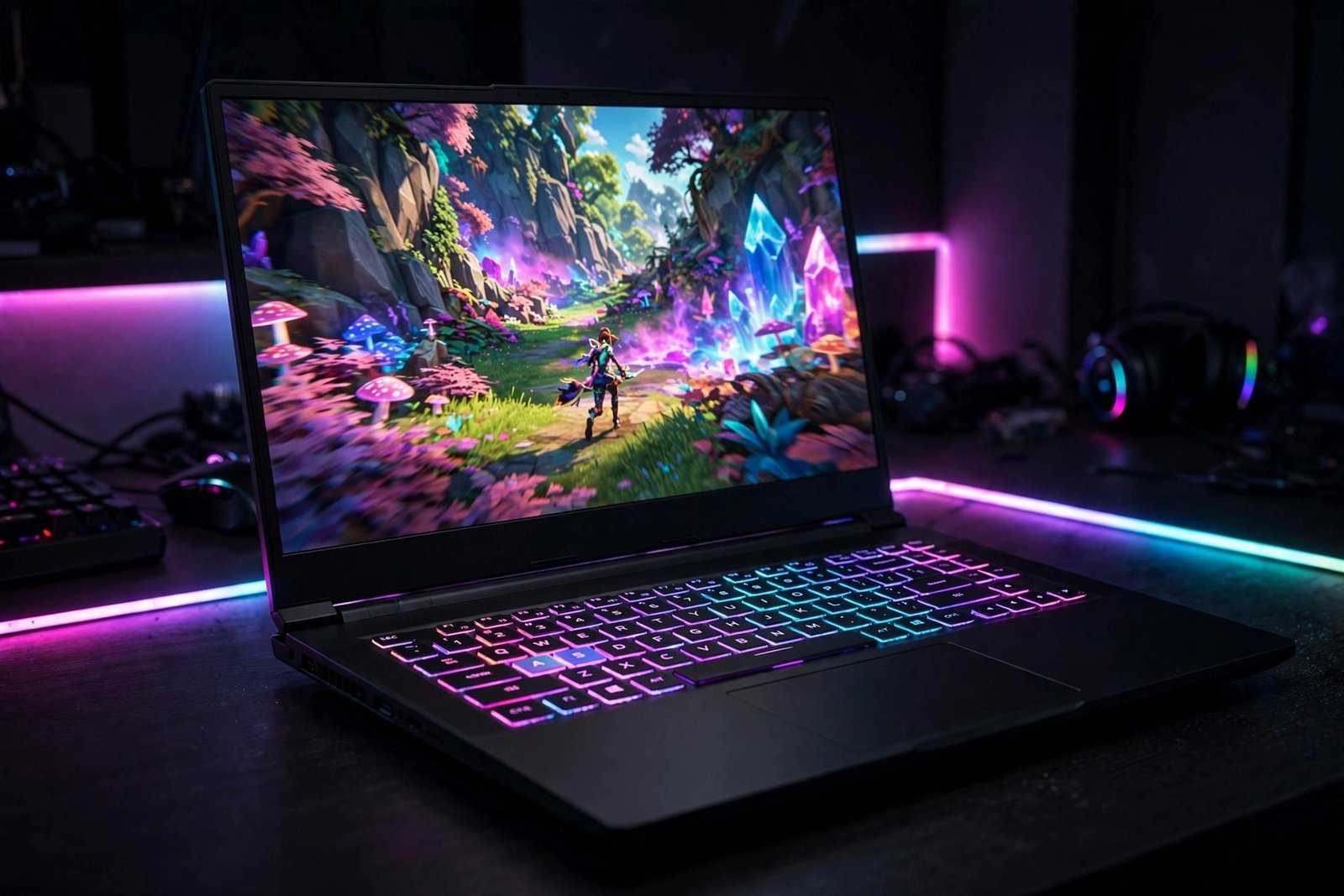
A gaming laptop under £1,000 used to mean compromise everywhere — a dim screen, a wheezing fan, and frame rates that made you wish you had bought a console. In 2026, the budget has quietly become the sweet spot. Mainstream GPUs now handle 1080p gaming beautifully, high-refresh screens have trickled down to mid-range machines, and the competition between manufacturers is fierce enough that £800–£1,000 buys a genuinely excellent portable gaming rig.
This guide covers what to know before choosing the best gaming laptop under £1,000 for UK readers: the specs that actually matter, the traps in budget listings, the best models to shortlist, and how to buy smart.
The Specs That Actually Matter (in Priority Order)
1. GPU (graphics card) — the single most important component. For under £1,000 in 2026, target an NVIDIA RTX 4050 or RTX 3050 (laptop variants), or AMD’s Radeon RX 7600M-class graphics. The GPU determines your frame rates more than anything else; a great CPU cannot rescue a weak GPU. Be wary of listings that trumpet “gaming laptop” with only integrated graphics — without a dedicated GPU, it is not a gaming laptop.
2. Screen: 144Hz, 1080p, IPS. High refresh rate (120Hz+) transforms how games feel — once you have played at 144Hz, 60Hz feels broken. Prioritise refresh rate over resolution at this budget: 1080p at 144Hz beats 1440p at 60Hz for gaming every time. IPS panels give far better colours and viewing angles than old TN screens.
3. RAM: 16GB minimum. 8GB is no longer enough for modern games plus background apps. Many budget laptops ship with 8GB but have an upgradeable slot — a £30 RAM stick can be the cheapest performance upgrade in computing. 4. SSD: 512GB minimum. Modern games are 50–100GB each; 256GB fills up after three installs. 5. CPU: any recent Ryzen 5/7 or Intel Core i5/i7 (12th gen or newer) is plenty — at this budget the GPU matters far more. Tom’s Hardware benchmarks every laptop GPU tier so you can compare real frame rates, not marketing numbers.
Budget Traps in Listings (Read Before You Buy)
The “up to” GPU trap: some listings advertise a GPU series (“RTX graphics!”) while the actual model is last decade’s hardware. Demand the exact model number. TGP/wattage vagueness: the same RTX 4050 performs very differently at 45W vs 100W power limits — thinner laptops throttle harder. Single-channel RAM: one 16GB stick performs worse than two 8GB sticks (dual-channel); check reviews. The display bait-and-switch: “FHD display” tells you resolution, not refresh rate or panel type — confirm 120Hz+ and IPS. No-name brands with no UK warranty: obscure import brands can be fine, but check UK warranty and returns support before gambling. Watch out too for marketplace listings pairing a decent GPU with a terrible screen and single-channel RAM — the headline spec impresses, the daily experience disappoints. PC Gamer’s laptop reviews consistently call out these spec-sheet tricks.
Models to Shortlist in 2026
The budget gaming laptop market rotates fast, but these lines consistently deliver under £1,000 in the UK: Lenovo LOQ / IdeaPad Gaming — often the price-performance king, with RTX 4050 configurations dipping under £800 in sales. HP Victus — solid build, good screens, frequent discounts at Currys and HP direct. ASUS TUF Gaming — military-grade durability marketing aside, genuinely robust machines with good cooling. Acer Nitro V — aggressive pricing, decent 144Hz screens, though build quality is plasticky. MSI Cyborg/Thin — slim designs that run hotter; fine if portability matters.
Buy during sales: Black Friday, January sales and back-to-school (August/September) routinely knock £150–£250 off these models. Set price alerts on hotukdeals and check TechRadar’s regularly updated budget gaming laptop roundups before committing.
Buying Smart: New vs Refurbished, and Setup Tips
Refurbished can be superb value: manufacturer-refurbished units (Lenovo Outlet, HP Renew, Apple-style certified programmes) often sell RTX 4050 machines for £600–£750 with full warranties — see our guide on whether refurbished laptops from UK sellers are worth it. Students: check Chromebook vs Windows for students first — if your course needs only office work plus light gaming, priorities differ.
Setup essentials: update GPU drivers immediately (NVIDIA GeForce Experience or AMD Adrenalin), uninstall bloatware, enable high-performance power mode when plugged in, and consider a £20–£30 cooling pad — budget laptops run hot, and heat is the enemy of sustained frame rates. If your current laptop is just slow rather than dead, speeding up an old laptop might save you the purchase entirely.
Cooling, Noise and Battery: The Budget Realities
Budget gaming laptops make three compromises you should understand before buying. Cooling: thin chassis plus powerful GPUs equals heat — expect CPU/GPU temperatures of 85–95°C under load (normal for laptops, alarming if you are used to desktops). What matters is whether the machine throttles (slows down to cool off): read reviews’ sustained-performance tests, not just benchmark peaks. A laptop that benchmarks brilliantly for 5 minutes then throttles is worse than a slower-but-steady one. Noise: gaming-laptop fans are loud — 45–55 decibels under load, roughly a loud conversation. Headphones solve it; libraries do not. If you will game in shared spaces, check reviews’ noise measurements.
Battery: the dirty secret — gaming laptops get 3–5 hours of light use, and under an hour gaming unplugged (GPUs drink power). Treat it as a portable desktop: brilliant moved between rooms, useless on long train journeys without a socket. Mitigations that work: a £20–£30 cooling pad (drops temperatures 3–8°C and reduces throttling), undervolting (advanced users can cut heat 10–15% free via Intel XTU or Ryzen Controller), and simply accepting that “gaming laptop” means “luggable” — the performance-per-pound is unbeatable, but physics has opinions about thermals.
Conclusion
Choosing the best gaming laptop under £1,000 in 2026 comes down to: dedicated GPU first (RTX 4050-class), 144Hz 1080p IPS screen second, 16GB RAM and 512GB SSD as minimums, and a healthy scepticism of spec-sheet marketing. Shortlist the Lenovo LOQ, HP Victus, ASUS TUF and Acer Nitro lines, buy refurbished or in sales where possible, and set the machine up properly on day one. Do that, and £800 buys a laptop that would have cost £1,500 three years ago — one that will carry you through university, work trips and late-night ranked sessions for years to come. Happy hunting, and game on: your next favourite game is already waiting for you. So what are you waiting for?
Frequently Asked Questions
What GPU should a gaming laptop under £1000 have?
Target an NVIDIA RTX 4050 or RTX 3050 (laptop), or AMD RX 7600M-class graphics. Avoid any “gaming laptop” with only integrated graphics.
Is 8GB RAM enough for gaming in 2026?
No — 16GB is the realistic minimum for modern games. Many budget laptops are upgradeable, and a RAM upgrade is cheap.
Are refurbished gaming laptops worth it?
Yes, from manufacturer outlets with warranties — you can often get an RTX 4050 machine for £600–£750. Avoid no-name sellers without UK warranty support.
Does refresh rate matter more than resolution?
For gaming, yes: 1080p at 144Hz feels dramatically smoother than 1440p at 60Hz. Prioritise refresh rate at this budget.
When is the cheapest time to buy a gaming laptop in the UK?
Black Friday, January sales and back-to-school (August/September) typically bring £150–£250 discounts on budget gaming models.