Frame Rates Explained: What They Are and Why They Matter
Understand frame rates with no background needed: what fps means, why higher rates feel better, 30 vs 60 vs 144 explained, and what you actually need.
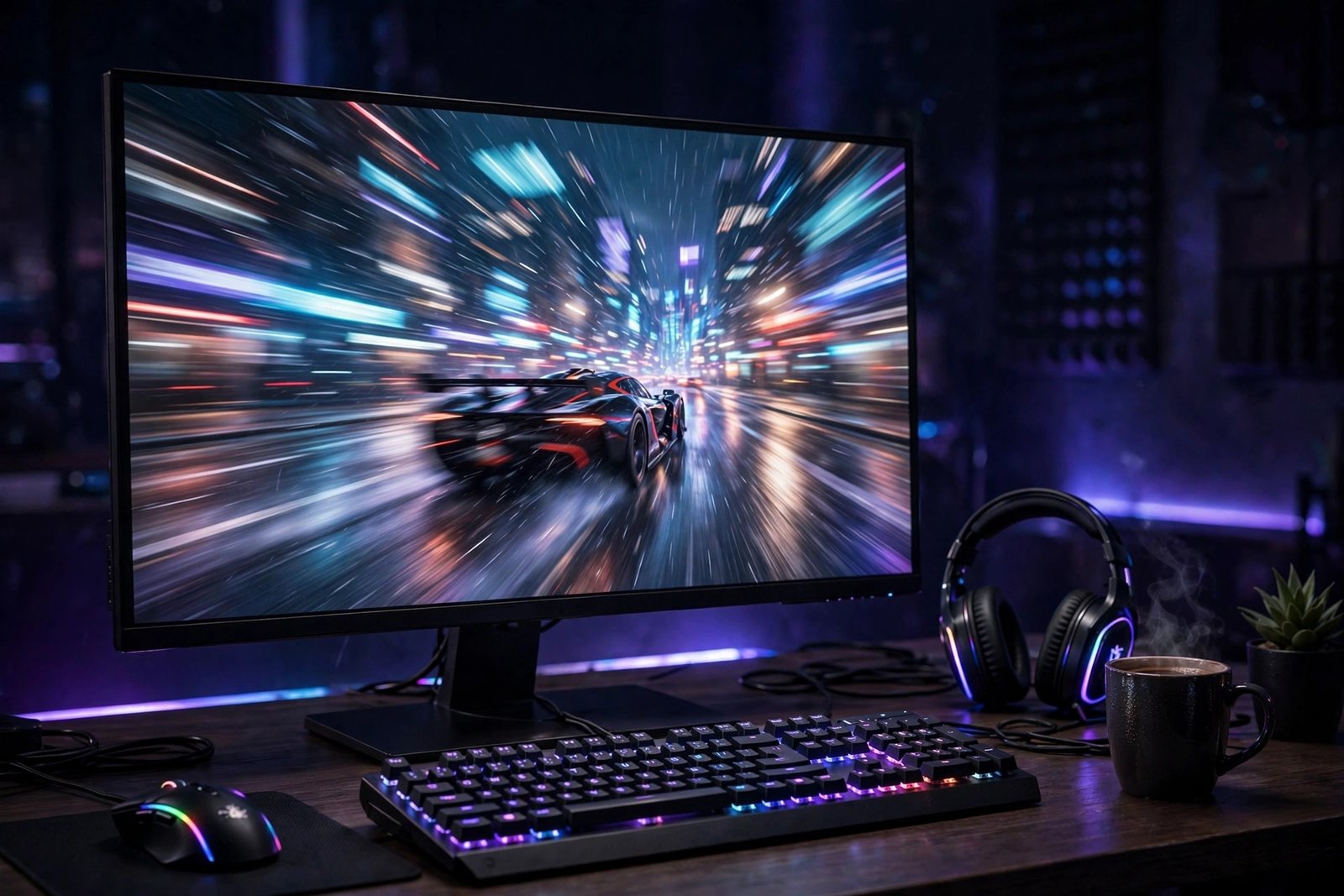
You have seen the numbers — 30fps, 60fps, 120fps, 144fps — plastered across game boxes, console marketing and monitor listings. You have heard gamers swear that 60fps is “unplayable” after experiencing 144fps, while others happily play at 30fps and notice nothing. Frame rates are one of gaming’s most misunderstood specs: part objective science, part subjective perception, and part marketing fog. This guide explains frame rates and why they matter with no background knowledge required.
What a Frame Rate Actually Is
A video game is a rapid slideshow: the hardware draws a complete image (“frame”) dozens or hundreds of times per second, and your brain stitches them into motion. The frame rate, measured in frames per second (fps), is how many images are drawn each second. 30fps means a new image every 33 milliseconds; 60fps every 16.7ms; 144fps every 6.9ms.
Your display matters equally: a 60Hz monitor physically cannot show more than 60fps, no matter what the game renders. The refresh rate (Hz) is the screen’s half of the equation; frame rate is the game’s half. Mismatches cause the visual glitches below. Digital Foundry (Eurogamer’s tech team) produces the definitive frame-rate analyses of every major release.
Why Frame Rates Matter: Feel, Not Just Looks
Higher frame rates do not just look smoother — they change how a game feels. Three effects combine. Motion clarity: at 30fps, fast camera movement smears; at 120fps+, it stays sharp. Input responsiveness: your button presses register in the next frame — at 30fps that is up to 33ms of delay before the game even starts reacting, versus 7ms at 144fps. In competitive shooters and fighting games, that gap is the difference between winning and losing exchanges. Perceived smoothness: panning, turning and tracking moving targets all feel dramatically more natural at higher rates.
This is why console “performance modes” (60fps at lower resolution) vs “quality modes” (30fps at higher resolution) are such a debated choice: resolution is visible in screenshots, but frame rate is felt in your hands. Most players who try 60fps never willingly return to 30fps for action games. TechRadar’s hardware explainers cover the display side well.
The Numbers That Matter: 30, 60, 120, 144, 240
30fps: the cinematic standard and the minimum for playable modern games. Fine for slow-paced RPGs and strategy; noticeably choppy for shooters and racing. 60fps: the sweet spot — smooth, responsive, achievable on modest hardware. The target for most console performance modes. 120/144fps: enthusiast territory — visibly smoother motion, meaningfully lower input lag, the competitive standard. Requires a 120Hz+ display and strong hardware. 240fps+: diminishing returns for most humans, but measurable benefits for professional esports players; the science shows reaction-time gains continue, just smaller.
Human perception limits are debated, but studies suggest most people can distinguish well beyond 60fps — the “human eye can’t see above 30fps” myth (borrowed from film’s 24fps standard, where motion blur masks the low rate) is simply wrong for interactive content without motion blur. Tom’s Hardware benchmarks show exactly which GPUs deliver which frame rates in real games.
When Frame Rates Go Wrong: Stutter, Tear and Judder
Screen tearing: when the game renders frames faster than the display refreshes, you see horizontal splits — half of one frame, half of another. Fix: V-Sync, or better, adaptive sync (FreeSync/G-Sync), which matches the display to the game’s output dynamically. Stutter: uneven frame pacing — 60fps average that feels awful because frames arrive irregularly. Often caused by shader compilation or background processes; a locked, slightly lower frame rate usually feels better than a fluctuating higher one. Judder: the uneven cadence of 30fps content on 60Hz displays in film — less relevant to gaming but the same family of problem.
The practical takeaway: consistency beats peaks. A locked 60fps always feels better than 60–90fps bouncing around. Use frame-rate caps and adaptive sync, and prefer a game’s performance mode if its quality mode stutters.
What Frame Rate Do You Actually Need?
Match the target to the genre and your hardware. Story-driven single-player (RPGs, adventure): 30–60fps is perfectly enjoyable; prioritise visuals. Competitive multiplayer (shooters, fighters, racing): 120fps+ if your hardware and display allow — it is a genuine competitive advantage. Casual/party gaming: whatever runs smoothly; nobody ever lost at Mario Kart over frame rates. Before upgrading anything, check what to check when buying a used console — a PS5 or Series X in performance mode delivers 60–120fps far cheaper than a PC upgrade. And for the social side of gaming, planning the perfect games night proves that frame rates are optional for fun — board games run at 0fps and remain undefeated.
Frame Generation and Upscaling: The 2026 Shortcut
Modern GPUs cheat — brilliantly. Upscaling (NVIDIA DLSS, AMD FSR, Intel XeSS) renders the game at lower resolution, then AI-reconstructs it to your display resolution: you get near-native image quality at substantially higher frame rates, often 40–70% faster. Frame generation goes further, AI-generating entire intermediate frames: a game rendering at 60fps can display at 120fps. The catch: generated frames add a little input latency (your inputs still run at the base rate), so competitive players often prefer native frames — but for single-player games, it is transformative.
Practical advice: always try DLSS/FSR Quality mode first before lowering other settings — it is the biggest free performance upgrade in modern gaming. Frame generation shines on 120Hz+ displays where the base rate is already 60fps; below that, the latency trade-off is less worthwhile. These technologies are why budget GPUs now deliver experiences that needed flagships three years ago — and a major reason the sub-£1,000 gaming laptop market is so strong in 2026.
Conclusion
Frame rates matter because they govern how a game feels in your hands: the smoothness of motion, the speed of response, the clarity of fast action. 60fps is the sweet spot for most players, 120fps+ is the competitive standard, and consistency always beats raw peaks. Understand the frame-rate half and the refresh-rate half, enable adaptive sync, and choose performance modes for action games. Do that, and the numbers on the box finally mean something.
Frequently Asked Questions
What is a good frame rate for gaming?
60fps is the sweet spot for most players and games. Competitive players benefit from 120fps+, while 30fps is acceptable for slow-paced single-player games.
Can the human eye see more than 60fps?
Yes. Studies show most people can perceive differences well beyond 60fps, especially in motion clarity and input responsiveness. The “30fps limit” myth comes from film, not interactive media.
What is the difference between frame rate and refresh rate?
Frame rate (fps) is how many images the game renders per second; refresh rate (Hz) is how many images the display can show per second. You need both to match for the full benefit.
Why does my game stutter at high fps?
Uneven frame pacing — frames arriving irregularly feel worse than a lower but consistent rate. Cap the frame rate slightly below the peaks and enable adaptive sync.
Should I choose performance mode or quality mode on console?
For action, racing and competitive games: performance mode (higher fps). For slow cinematic adventures where you prioritise visuals: quality mode is fine. When in doubt, try performance first — most players never switch back.