What Are the Best Free Productivity Apps for UK Workers?
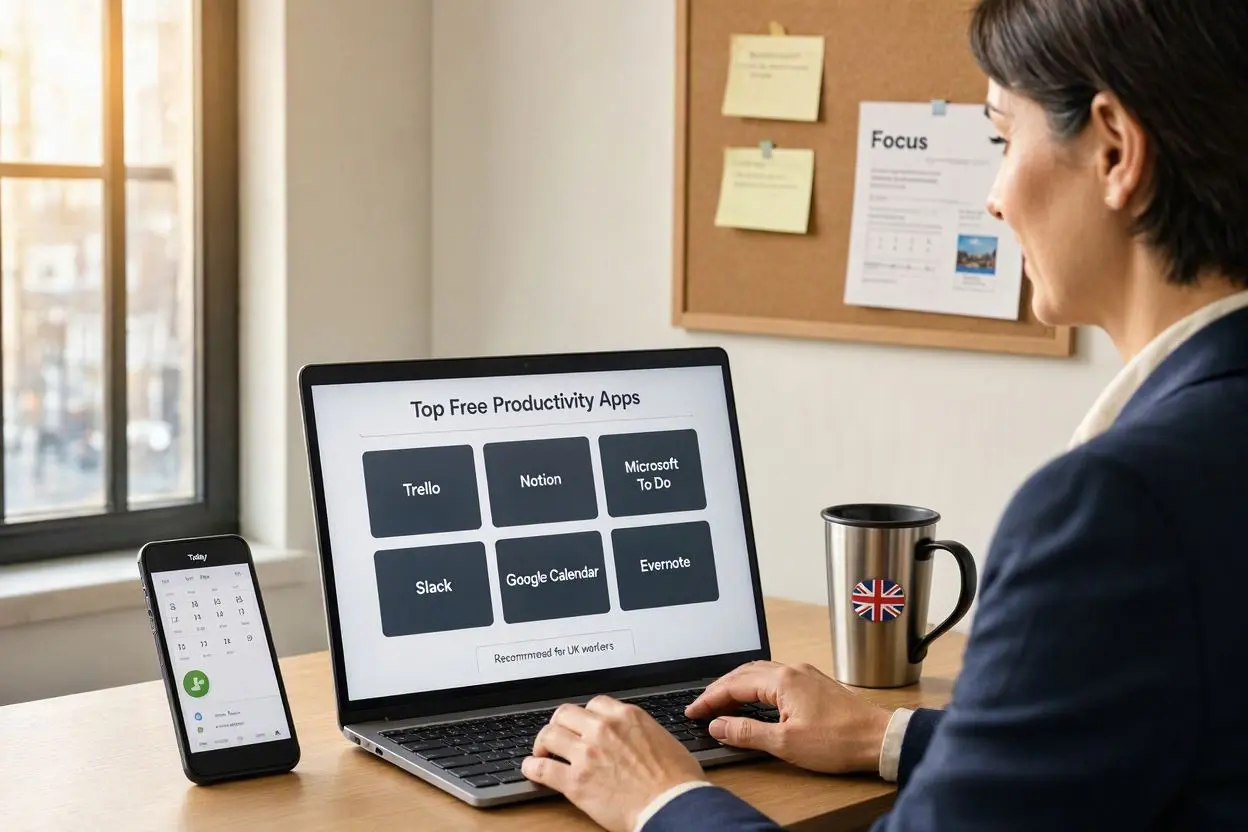
The best free productivity apps for UK workers include Microsoft To Do, Trello, Notion, Google Calendar, Slack, Todoist, and Clockify. These apps can help employees, freelancers, remote workers, and small business owners organise tasks, manage deadlines, communicate with colleagues, and make better use of their working hours without paying for expensive software.
For many UK workers, productivity is not simply about getting more tasks done. It is about managing meetings, emails, deadlines, hybrid working, flexible schedules and personal responsibilities without becoming overwhelmed. The right free productivity app can make everyday work considerably easier.
Why Are Productivity Apps Useful for UK Workers?
The way people work in the UK has changed considerably. Many employees now divide their time between offices, homes and shared workspaces. Freelancers and small business owners may also manage several clients at once.
A good productivity app can provide a central place to organise your workload. Instead of keeping reminders in different notebooks, emails and phone applications, you can use one system to keep track of important tasks.
Useful features can include:
- Task and project management
- Digital calendars
- To-do lists
- Time tracking
- Team communication
- Document organisation
- Notes and reminders
- Collaboration tools
- Deadline management
The best choice depends on your job, working style and whether you work independently or as part of a team.
1. Microsoft To Do
Microsoft To Do is one of the simplest free productivity apps for UK workers. It is particularly useful if you want a straightforward digital to-do list rather than a complicated project management system.
You can create separate lists for work, personal tasks, shopping, projects and other responsibilities. Tasks can include due dates, reminders and additional notes.
It can be a practical choice for people who already use Microsoft services at work.
Best for:
- Daily task management
- Office workers
- Personal organisation
- Simple work schedules
- Managing recurring tasks
2. Trello
Trello is a popular option for visual project management. It uses boards, lists and cards, allowing users to see what needs to be done and what has already been completed.
For example, a small UK business could create columns such as To Do, In Progress, Waiting for Approval and Completed.
The free version can be useful for freelancers, small teams and workers who prefer seeing their workload visually.
Best for:
- Project management
- Freelancers
- Small teams
- Content planning
- Managing multiple projects
3. Notion
Notion has become a useful productivity platform because it combines notes, databases, task management and documentation in one place.
A UK freelancer could use Notion to keep client information, project notes, content calendars and task lists together. Students and remote workers can also use it to organise information.
However, Notion offers many features, so it can take a little time to create a system that works well for you.
Best for:
- Notes and documentation
- Freelancers
- Project planning
- Knowledge management
- Personal productivity systems
4. Google Calendar
Google Calendar is particularly useful for workers who need to manage appointments, meetings and deadlines.
Rather than relying only on a traditional to-do list, you can allocate specific periods of the day to important work. This approach can make it easier to protect time for focused tasks.
For hybrid workers, a digital calendar can also help separate office days, remote-working schedules and personal commitments.
Best for:
- Scheduling meetings
- Time blocking
- Managing deadlines
- Hybrid workers
- Freelancers
5. Todoist
Todoist is designed around task management and is a strong option for people who want a clean and relatively simple productivity system.
You can organise tasks into projects, add deadlines and prioritise important work. It can be particularly useful if your day involves many small tasks that are easy to forget.
The free plan is enough for basic personal task management, although some advanced features require a paid plan.
Best for:
- To-do lists
- Daily planning
- Personal productivity
- Managing recurring tasks
- Prioritising work
6. Slack
Slack is primarily a workplace communication platform, but it can also support productivity by reducing the need for long email chains.
Teams can create separate channels for projects, departments or topics. This can make it easier to find conversations and share files.
For UK remote and hybrid teams, Slack can be especially useful when employees need to communicate without being physically present in the same office.
Best for:
- Remote teams
- Workplace communication
- Project discussions
- Hybrid working
- Team collaboration
7. Clockify
For freelancers and workers who need to understand where their time goes, Clockify is worth considering.
A free time-tracking tool can help you record how much time you spend on different projects. Freelancers may also find time tracking useful when calculating how long client work takes.
It can also help identify activities that consume more time than expected.
Best for:
- Freelancers
- Time tracking
- Client projects
- Remote workers
- Improving time management
How Should UK Workers Choose a Productivity App?
There is no single productivity app that works perfectly for everyone. The best choice depends on the type of work you do.
If you mainly need a simple task list, Microsoft To Do or Todoist may be suitable. If you manage projects visually, Trello could be a better option. For people who want to combine notes and project information, Notion is worth considering.
Remote and hybrid teams may benefit more from collaboration tools such as Slack, while freelancers who bill according to time may find Clockify more useful.
Before choosing an app, consider:
- What type of work do you do?
- Do you work alone or with a team?
- Do you need time tracking?
- Do you regularly manage deadlines?
- Do you need file or document organisation?
- Does the app work across your devices?
- Can the free version provide everything you actually need?
Are Free Productivity Apps Enough for Work?
For many people, yes. A free productivity app can provide enough functionality for everyday planning, task management and organisation.
However, businesses with larger teams may eventually need paid features such as advanced reporting, increased storage, administrative controls or more sophisticated project management features.
It is usually sensible to start with a free plan and upgrade only when you identify a genuine limitation.
Productivity Tips for UK Workers
Having several productivity apps does not automatically make someone more productive. In fact, using too many tools can make work more complicated.
Try to keep your system simple. Use your calendar for appointments and scheduled work, your task manager for things you need to complete, and your communication platform for conversations with colleagues.
It can also help to review your task list at the beginning or end of each working day. Choose the most important tasks rather than trying to complete everything at once.
For hybrid workers, setting clear working hours and keeping work notifications under control can also help create a healthier separation between professional and personal time.
Final Thoughts
The best free productivity apps for UK workers are Microsoft To Do, Trello, Notion, Google Calendar, Todoist, Slack and Clockify, but the right option depends on your individual needs. A freelancer may benefit most from Todoist and Clockify, while a small team could prefer Trello and Slack.
The most important thing is not to download every productivity application available. Choose one or two tools that solve your biggest problems and build a simple routine around them. A straightforward system that you actually use every day is usually more valuable than a complicated productivity setup.
Frequently Asked Questions
What is the best free productivity app for UK workers?
There is no universal winner, but Microsoft To Do and Todoist are strong choices for straightforward task management. Trello and Notion are better suited to project organisation.
Are free productivity apps safe to use for work?
Many established productivity platforms offer security features, but workers should always check their employer’s policies before storing confidential company information in a personal account.
Which free productivity app is best for freelancers?
Todoist can help freelancers organise tasks, while Clockify can be useful for tracking time spent on projects. Notion is another option for organising client information and project notes.
What is the best productivity app for remote workers?
Remote workers may benefit from combining Google Calendar for scheduling with Slack for communication and a task-management tool such as Trello or Todoist.
Can productivity apps improve time management?
Yes. Productivity apps can make deadlines, tasks and schedules easier to see. However, the app itself does not improve productivity unless it is combined with consistent planning and good working habits.
Should I use more than one productivity app?
You can, but keeping your system simple is usually better. Using too many apps can result in duplicated tasks, missed notifications and unnecessary complexity.
Are free productivity apps suitable for small UK businesses?
Yes. Many small businesses can use free plans for basic task management, scheduling and communication. As the business grows, paid features may become useful for administration, reporting and team management.